
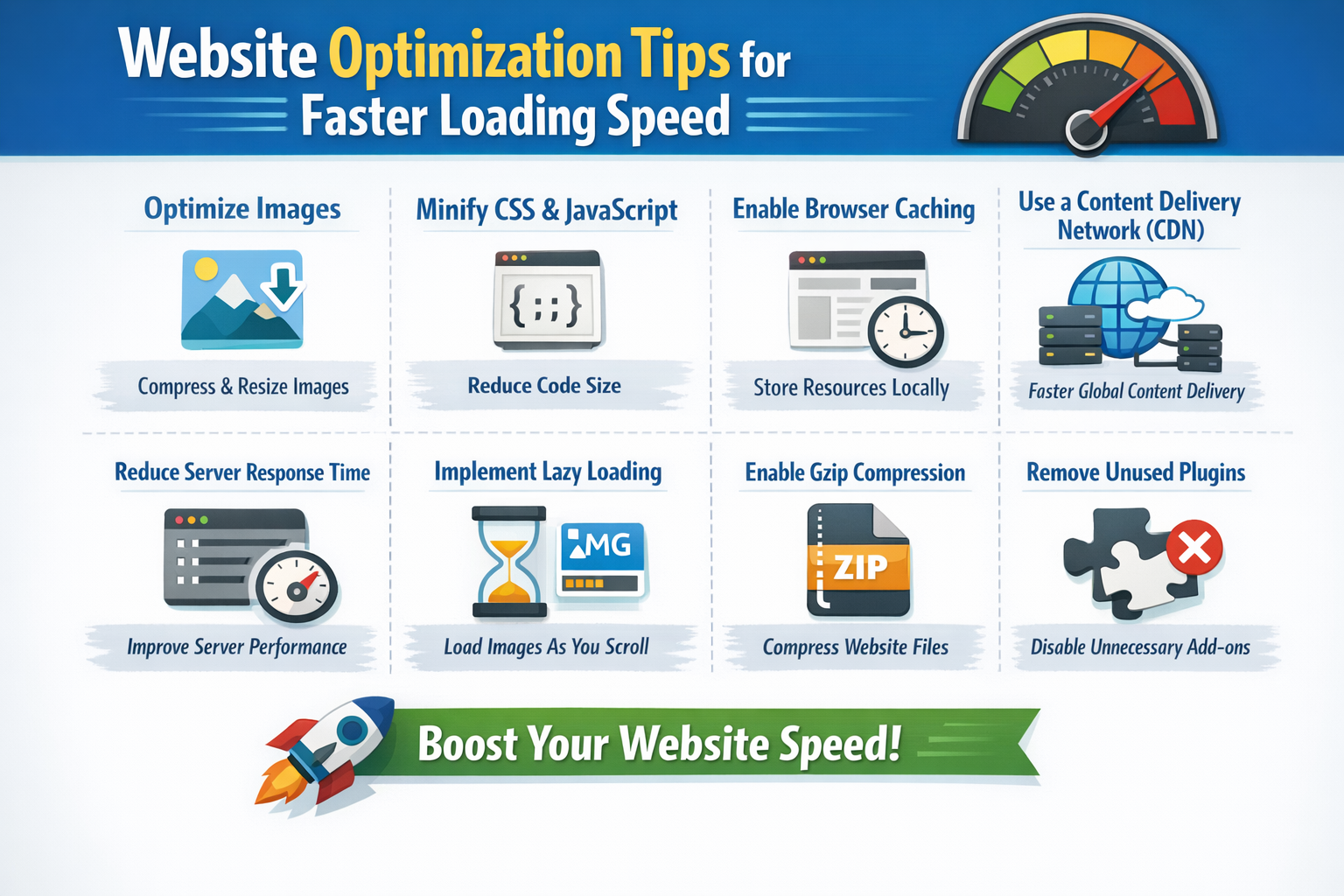
A fast website is essential for keeping visitors engaged, improving search engine rankings, and boosting conversions. Slow-loading pages drive users away and hurt your brand’s credibility. This guide provides actionable tips to optimize your website for speed, performance, and user experience.
Contents
1. Optimize Images
Large image files are one of the main reasons for slow websites. Compress images without losing quality using tools like TinyPNG or ImageOptim. Use modern formats like WebP, and serve images in the correct size for each device.
2. Enable Browser Caching
Browser caching stores static files like CSS, JavaScript, and images on a visitor’s device. This reduces server requests on repeat visits. Configure caching rules in your .htaccess file or through plugins if you’re using CMS platforms like WordPress.
3. Minify CSS, JavaScript, and HTML
Remove unnecessary spaces, comments, and code to reduce file sizes. Tools like UglifyJS (for JavaScript) and CSSNano (for CSS) help minify files, which can significantly improve load times.
4. Use a Content Delivery Network (CDN)
CDNs store your website’s files on servers worldwide. Visitors load content from the server closest to them, reducing latency and speeding up page delivery. Popular CDNs include Cloudflare, KeyCDN, and Amazon CloudFront.
5. Reduce HTTP Requests
Each element on a page—images, scripts, and stylesheets—creates an HTTP request. Combine CSS and JavaScript files, use image sprites, and remove unnecessary plugins to reduce the number of requests.
6. Enable GZIP Compression
GZIP compresses files before sending them to the visitor’s browser, reducing download times. Most hosting providers support GZIP, or you can enable it via server settings or plugins.
7. Optimize Your Server
A fast web server improves loading speed. Choose a reliable hosting provider, upgrade to better server resources if needed, and use server technologies like NGINX or LiteSpeed for faster response times.
8. Implement Lazy Loading
Lazy loading delays the loading of images and videos until they are needed. This reduces the initial page load and improves perceived speed for users scrolling through content-heavy pages.
9. Reduce Redirects
Every redirect adds extra HTTP requests and delays page loading. Audit your website and remove unnecessary redirects to streamline navigation.
10. Monitor and Test Performance
Regularly test your website using tools like Google PageSpeed Insights, GTmetrix, or Pingdom. Identify bottlenecks and apply fixes consistently to maintain optimal performance.
Conclusion:
Faster websites improve user experience, increase conversions, and help with SEO. Implementing these optimization techniques ensures your website runs efficiently across all devices, keeping visitors satisfied and engaged.