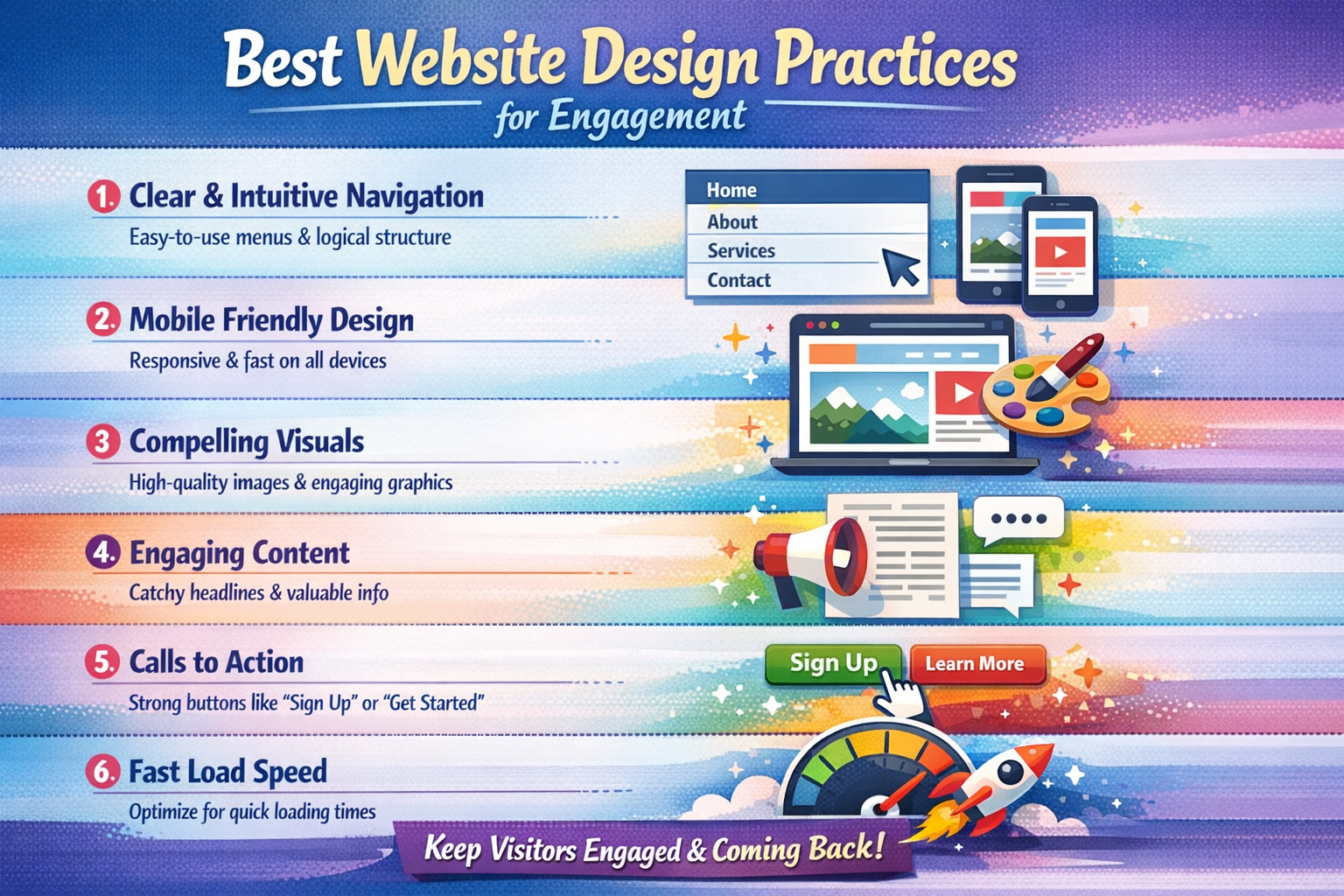
Best Website Design Practices for Engagement
A well-designed website is essential for capturing attention and keeping users engaged. In 2026, users expect fast, clean, and interactive experiences. If your website fails to engage visitors within seconds, they will leave and move to competitors.
Applying the right design practices can significantly improve user interaction, retention, and conversions.
Contents
- 1 What is Website Engagement?
- 2 Why Website Design Matters for Engagement
- 3 Best Website Design Practices
- 3.1 1. Keep a Clean and Simple Layout
- 3.2 2. Optimize for Mobile Devices
- 3.3 3. Improve Website Loading Speed
- 3.4 4. Use Clear Navigation
- 3.5 5. Add Strong Call-to-Actions (CTAs)
- 3.6 6. Use High-Quality Visuals
- 3.7 7. Focus on Readable Content
- 3.8 8. Maintain Consistent Branding
- 3.9 9. Ensure Website Security
- 3.10 10. Use Interactive Elements
- 4 Common Mistakes to Avoid
- 5 Conclusion
- 6 About the Author
What is Website Engagement?
Website engagement refers to how users interact with your site.
Key Engagement Metrics
- Time spent on pages
- Clicks and navigation
- Form submissions
- Purchases or inquiries
Why It Matters
Higher engagement means users find your website valuable and easy to use.
Why Website Design Matters for Engagement
Your website design directly impacts user behavior.
Impact of Good vs Poor Design
- Poor layout increases bounce rate
- Slow speed frustrates users
- Confusing navigation reduces usability
Positive Outcome
A well-structured and visually appealing website encourages users to explore more.
Best Website Design Practices
1. Keep a Clean and Simple Layout
Avoid cluttered designs and use white space effectively.
Benefits
- Improves readability
- Reduces confusion
- Keeps users focused
2. Optimize for Mobile Devices
Most users browse websites on smartphones.
Key Focus Areas
- Flexible layouts
- Mobile-friendly navigation
- Fast loading speed
3. Improve Website Loading Speed
Speed is critical for engagement.
How to Improve Speed
- Compress images
- Use lightweight themes
- Enable caching
Important Note
Slow websites lead to higher bounce rates and lower conversions.
Navigation should be simple and intuitive.
Best Practices
- Use a clear menu structure
- Limit menu options
- Add a search bar
5. Add Strong Call-to-Actions (CTAs)
Guide users on what to do next.
Examples of Effective CTAs
- “Contact Us”
- “Buy Now”
- “Get a Quote”
Result
Strong CTAs increase conversions and engagement.
6. Use High-Quality Visuals
Visual elements make your website more attractive.
Tips for Visual Content
- Use relevant images
- Avoid low-quality visuals
- Optimize for fast loading
7. Focus on Readable Content
Content should be easy to scan and understand.
Best Practices
- Use short paragraphs
- Add bullet points
- Include clear headings
8. Maintain Consistent Branding
Consistency helps build trust and recognition.
Elements to Keep Consistent
- Colors
- Fonts
- Design style
9. Ensure Website Security
Security is essential for user trust.
Security Measures
- Use HTTPS
- Keep your website updated
Benefits
- Builds user confidence
- Protects data
- Improves credibility
10. Use Interactive Elements
Interactive features improve engagement.
Examples
- Animations
- Hover effects
- Live chat support
Common Mistakes to Avoid
Mistakes That Hurt Engagement
- Overloading the website with content
- Using too many colors or fonts
- Slow loading speed
- Poor mobile optimization
- Confusing navigation
Conclusion
In 2026, website engagement depends heavily on design quality.
Key Takeaways
Use clear navigation and strong CTAs
Keep your design clean and simple
Focus on speed and mobile optimization
About the Author