A website is essential for any business in 2026. It helps you generate leads, build trust, and showcase your products or services. The right website can act as your 24/7 sales machine.
Follow these practical steps to build a professional business website.
Contents
- 1 1. Choose Your Domain Name
- 2 2. Select a Hosting Provider
- 3 3. Pick the Right Platform
- 4 4. Design Your Website Structure
- 5 5. Create High-Quality Content
- 6 6. Optimize for SEO
- 7 7. Make It Mobile-Friendly
- 8 8. Add Contact and Conversion Elements
- 9 9. Secure Your Website
- 10 10. Launch and Promote
- 11 11. Track and Improve
- 12 Conclusion
- 13 About the Author
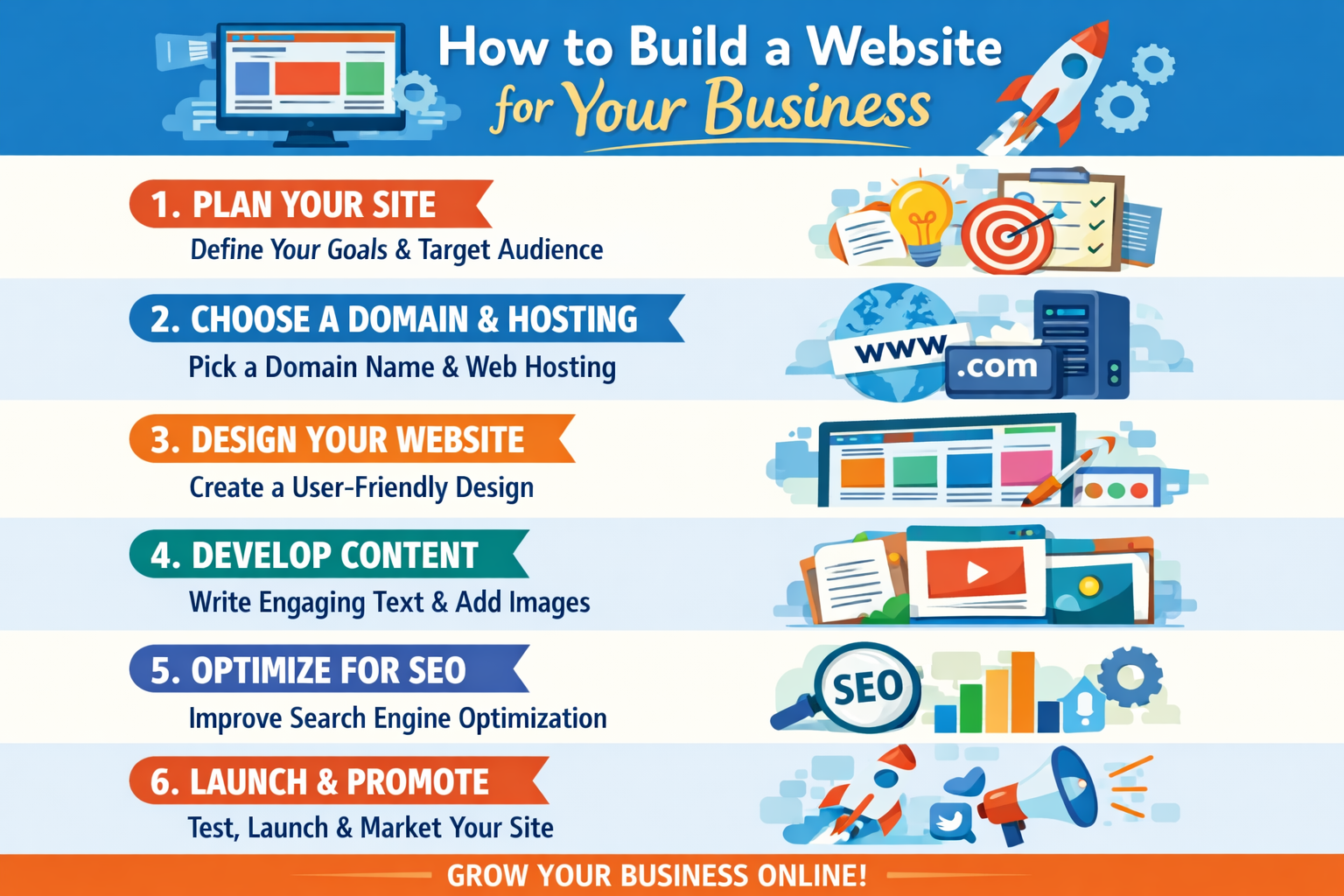
1. Choose Your Domain Name
Your domain is your website name (like yourbusiness.com).
Tips for Choosing a Domain
- Short and simple
- Easy to remember
- Related to your business
Recommended Extensions
Use extensions like .com or .in for better trust.
2. Select a Hosting Provider
Hosting is where your website lives online.
What to Look For
- Good speed
- High uptime
- Reliable customer support
Types of Hosting
- Shared hosting (best for beginners)
- Cloud hosting (better performance)
3. Pick the Right Platform
Choose a platform based on your needs:
Popular Website Platforms
- WordPress – best for flexibility and SEO
- Shopify – best for e-commerce
- Wix – easy for beginners
Recommendation
For most businesses, WordPress is the best choice due to control and scalability.
4. Design Your Website Structure
Plan your main pages carefully.
Essential Pages
- Home
- About Us
- Products/Services
- Contact Page
Keep navigation simple so users can easily find information.
5. Create High-Quality Content
Your content should clearly explain:
What to Include
- What you offer
- Why customers should choose you
- How to contact you
Content Tip
Use simple language and focus on benefits, not just features.
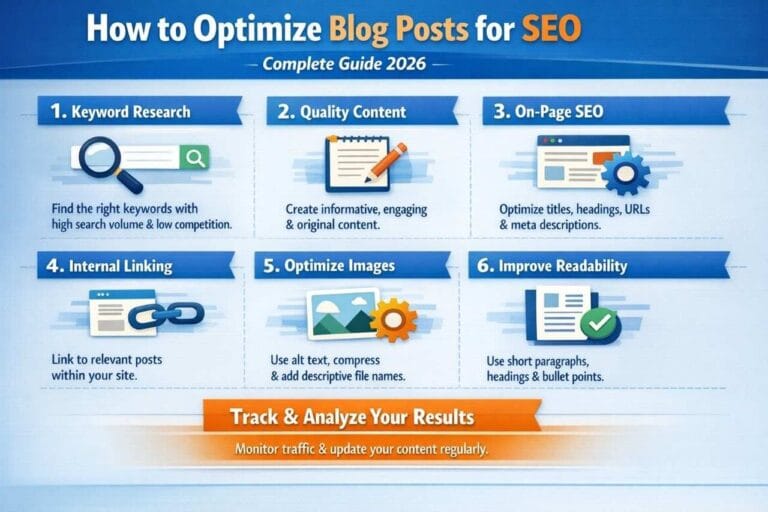
6. Optimize for SEO
Without SEO, your website won’t get traffic.
Basic SEO Checklist
- Use relevant keywords
- Write proper headings
- Add meta descriptions
- Optimize images
Goal of SEO
This helps your site rank on Google and bring organic visitors.
7. Make It Mobile-Friendly
Most users visit websites on mobile.
Mobile Optimization Tips
- Fast loading speed
- Clean design
- Easy navigation
Why It Matters
Mobile-friendly sites rank better and convert more.
8. Add Contact and Conversion Elements
Make it easy for users to contact you.
Contact Options
- Phone number
- WhatsApp button
- Contact form
Call-to-Action Examples
- “Get a Quote”
- “Contact Now”
9. Secure Your Website
Security builds trust and improves SEO.
Security Essentials
- Install SSL (HTTPS)
- Protect user data
Benefit
A secure website improves credibility and rankings.
10. Launch and Promote
Once your website is ready, promote it.
Promotion Methods
- Share on social media
- Run paid ads
- List on Google Business
Why Promotion Matters
It helps you start getting traffic quickly.
11. Track and Improve
Track your website performance regularly.
Tools to Use
- Google Analytics
What to Track
- Visitors
- Traffic sources
- User behavior
Improvement Strategy
Use data insights to continuously improve your website performance.
Conclusion
Building a website is not just about design—it’s about creating a system that generates leads and supports your business growth.
Final Thought
Stay consistent with updates, SEO, and improvements to grow your online presence successfully.
About the Author